
Filter the Data
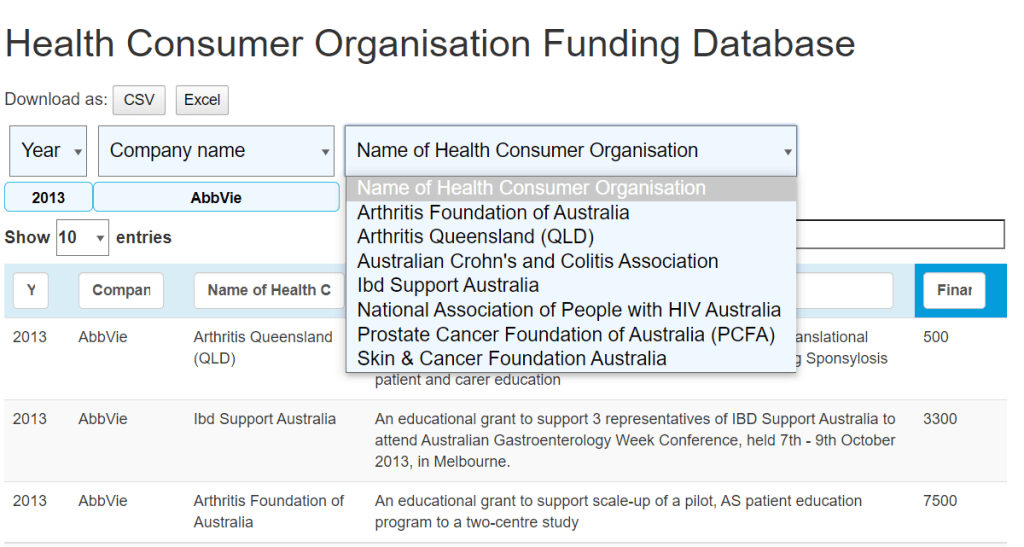
You can click the select box to select the filter you want to apply on
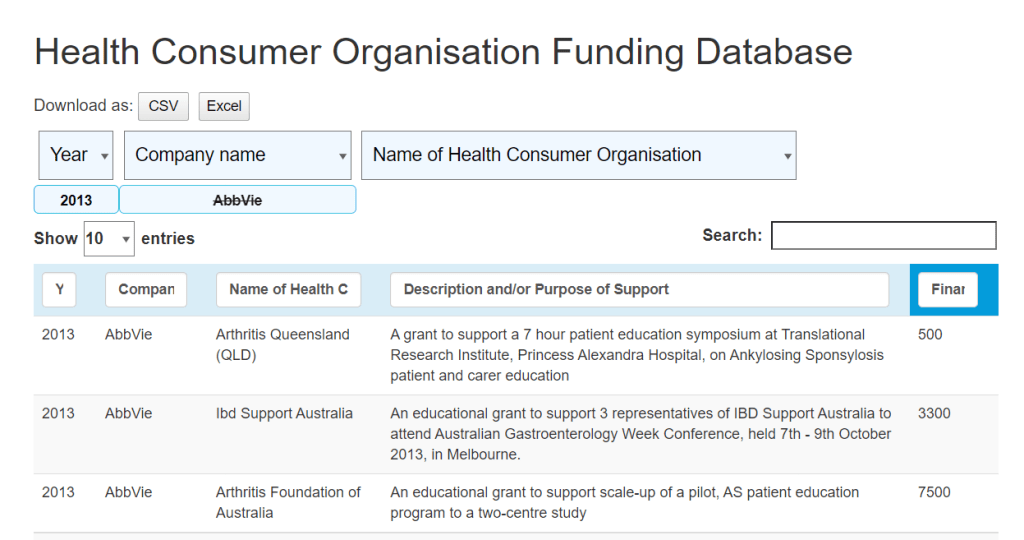
You can click on the button to cancel a filter
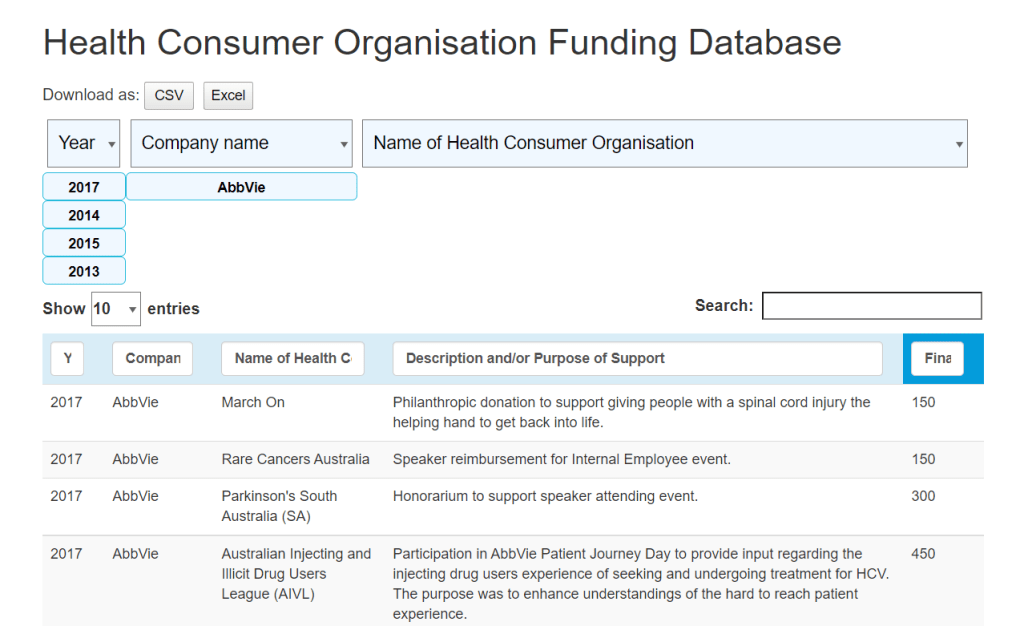
You can select multiple filters
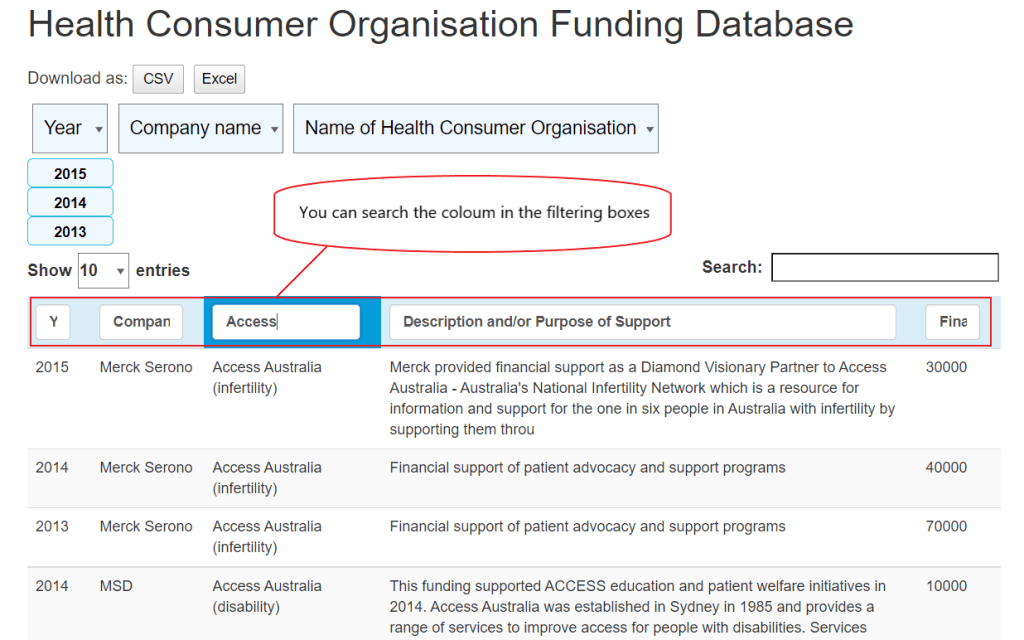
You can input the title of the table to search in the column
How to insert a new Table:
Step 1. Run the algorithm that outputs an Excel file.
Step 2. Edit the Excel file. The current outputted version sometimes adds extra columns, so remember to delete the extra columns to prevent them showing up. You can check by saving as a .csv file.
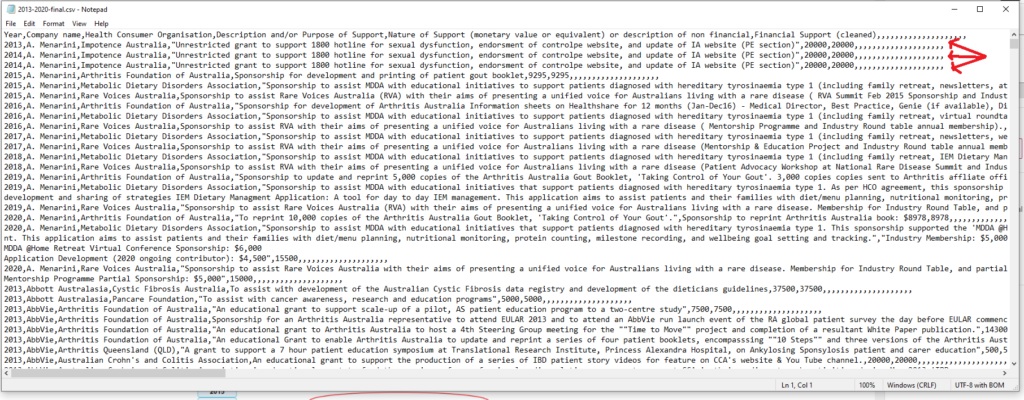
Step 3. Import the table through the TablePress plugin. It should also output a shortcode and “table id”
Step 4. Import the table onto the WordPress site. You can do this through the “shortcode” element. Use the following code:
[table “X” not found /]
For “table id=X”, replace X with the table id of the current table you are using.
datatables_columnfilterwidgets_exclude_columns=4,5 is to eliminate columns 4 (Description) and 5 (Nature of Support) from the top filters.